
GRADESPAL FOR SCHOOLS

Assessments you can trust.

Run secure, recorded assessments, mark them in one place and see exactly where every learner and every class stands - in a private workspace that belongs to your school.

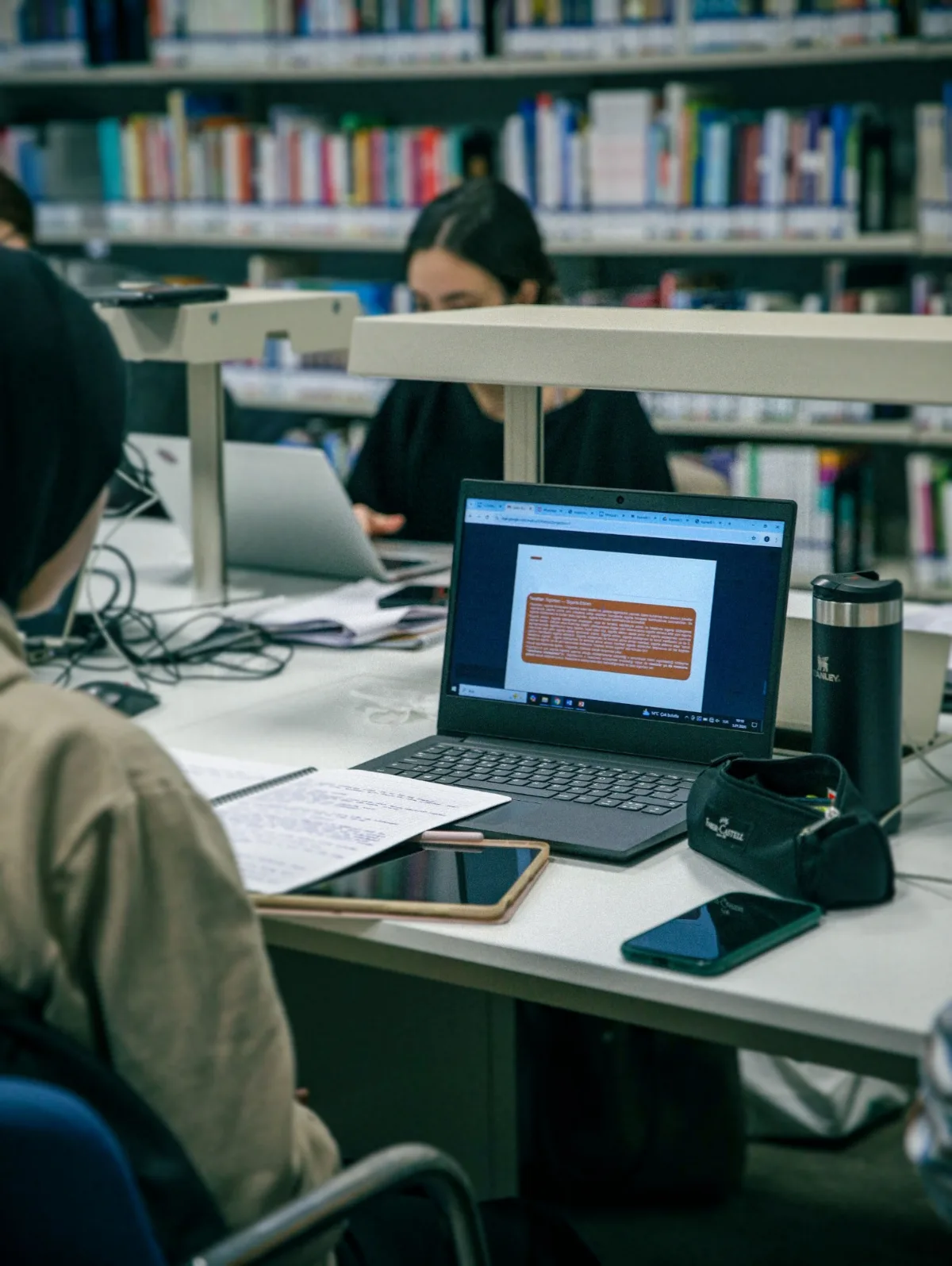
Learners writing assessments on laptops in a school library
Camera + screenon every reviewed paper
MONITORED ASSESSMENTS

See how every paper was written.

When a teacher sets a paper for instructor review, the GradesPal exam room asks the learner to share their screen and camera for the attempt. Both are recorded and stored securely, so you can watch the evidence alongside the learner's answers while you mark.

  • Screen and camera are recorded together for the whole attempt.
  • If sharing stops, the recording is kept in segments and flagged as interrupted.
  • A reviewed paper can't be submitted until both recordings have finished uploading.
  • Learners choose what to share before they start - nothing is recorded in secret.
EVERYTHING YOUR SCHOOL GETS

From the exam room to the report.

One platform for setting, writing, marking and tracking assessments.

Recorded assessments

Camera and screen evidence for every paper you mark yourself.

Hover to flip

Recorded assessments

  • Webcam and screen captured side by side
  • Interruptions flagged per segment
  • Played back beside the learner's answers
  • Optional microphone audio

Secure assessment links

Share one link per learner, protected by a password and a deadline.

Hover to flip

Secure assessment links

  • Password-protected exam links
  • Due dates and time limits
  • Self-review or instructor review
  • Timed, focused exam room

One marking studio

Memo, marks, recordings and feedback in a single view.

Hover to flip

One marking studio

  • Mark against the memo
  • Written feedback per learner
  • Recordings open next to responses
  • Results released when you're ready

Class intelligence

See what the class knows - and what it doesn't - straight after marking.

Hover to flip

Class intelligence

  • Strongest and weakest topics
  • Most-missed question
  • Learners who need support
  • Participation and completion rates

Learner progress

Every result builds a record you can follow term by term.

Hover to flip

Learner progress

  • Scores over time per learner
  • Focus areas from real answers
  • Who is improving fastest
  • Low-engagement and overdue work

Your own question bank

A private workspace for your school's papers and topics.

Hover to flip

Your own question bank

  • Private papers stay private
  • Build papers by topic
  • Past papers to draw from
  • Invite your own teachers
HOW IT WORKS

Up and running in four steps.

  1. 1

    We set up your workspace

    A private school workspace with your teachers invited in.

  2. 2

    Teachers build the paper

    From your own questions or the GradesPal past-paper bank.

  3. 3

    Learners write securely

    In the exam room, with camera and screen recorded.

  4. 4

    Mark, review and act

    Mark in one studio and see class results straight away.

Private by design

Your school's papers stay in your own workspace and never enter the public GradesPal question pool. Recordings are kept in private storage and can only be played back by authorised staff.

FOR SCHOOLS

Bring GradesPal to your school.

Tell us about your school and we'll set up a private workspace for your teachers.